Integrations
Connect the Mediawide Hub to the tools you already use
Bring data in, push finished work out, and drive the Hub from the systems and assistants your team already works in.
Data in
CSV, Excel, JSON and XML uploads, or rows posted to the REST API.
DAM and asset libraries
Connect any DAM, or use the Hub’s own. Pick images from it and deliver finished work back to it.
Single sign-on
Sign in with your organization’s identity provider.
Social publishing
Post finished designs straight to your connected social accounts.
CRM, email and SMS sending
Personalized Studio links are delivered by your own CRM or sending platform.
AI assistants (MCP)
Drive the Hub from Claude and other AI assistants: browse templates, build jobs and export.
Adobe InDesign Server
Complex print layouts rendered by Adobe InDesign Server.
API documentation is available on request.
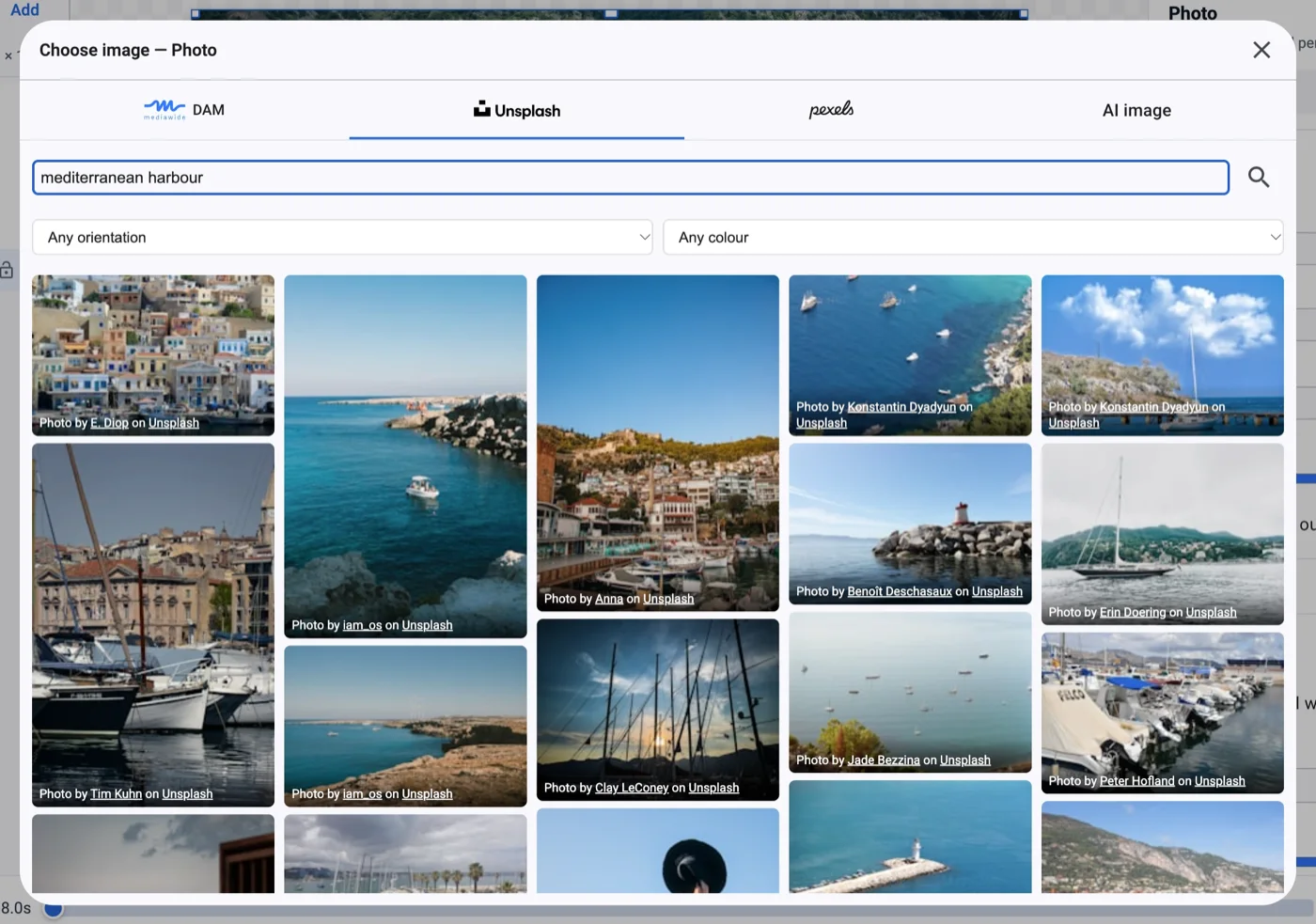
Images from wherever they live
Pick from your DAM, Unsplash or AI generation in one picker — and deliver finished work back to the DAM.